How to send money from Kenya to China
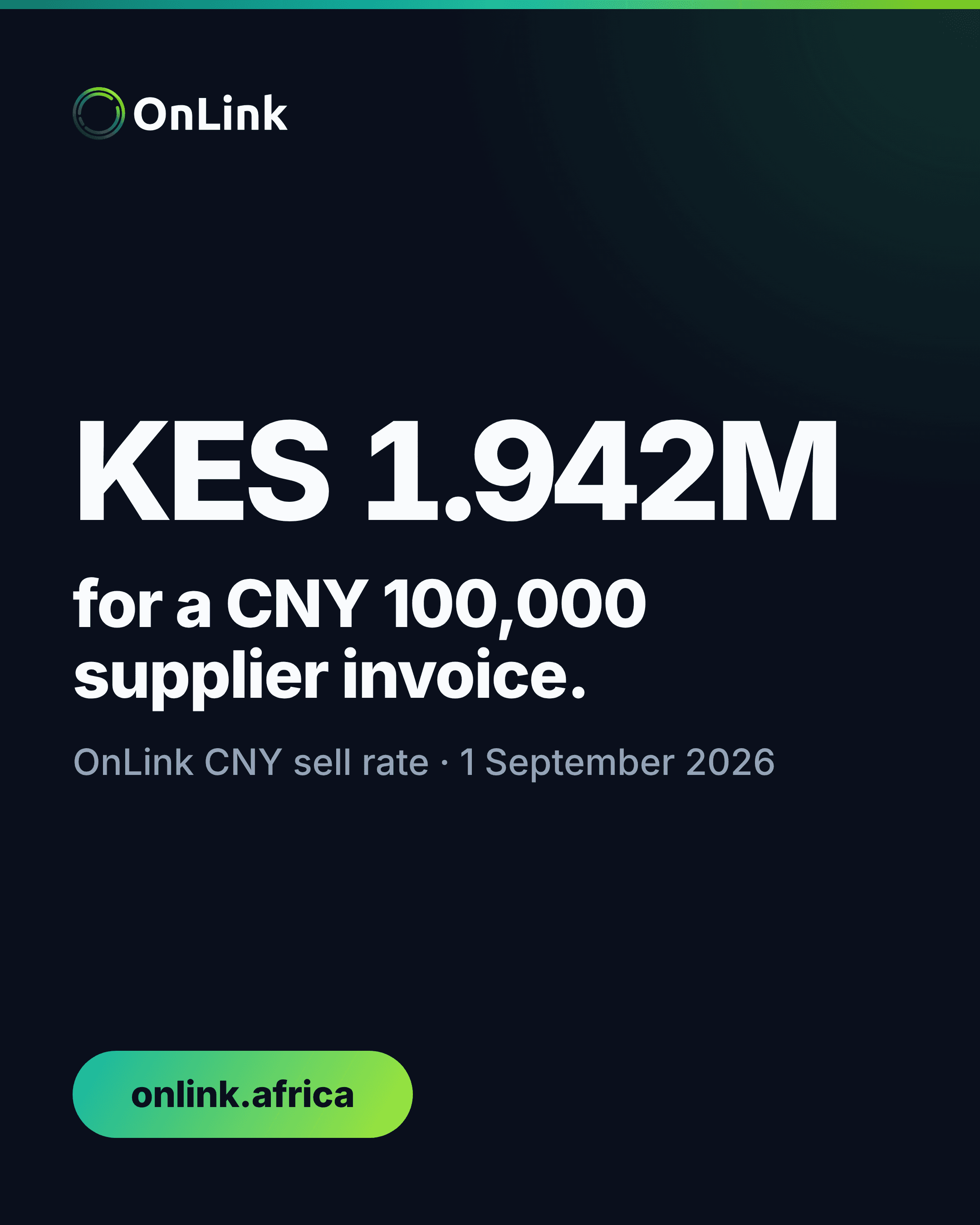
At a CNY sell rate of KES 19.42, a CNY 100,000 supplier invoice costs KES 1,942,000; each KES 0.10 rate difference changes the bill by KES 10,000.
4 min read
Mercury’s current prohibited-country list does not include Kenya. At the 11 August rate, USD 3,867 covers a founder’s KES 500,000 local budget.
Kenya is absent from Mercury's current prohibited-country list, so re-check eligibility before replacing the account.
Mercury still requires a US-registered company with existing or planned US operations, alongside its founder-residency rules. If an old account closed or a present application does not qualify, replacing it means rebuilding four jobs: receiving, holding, converting and paying out dollars.
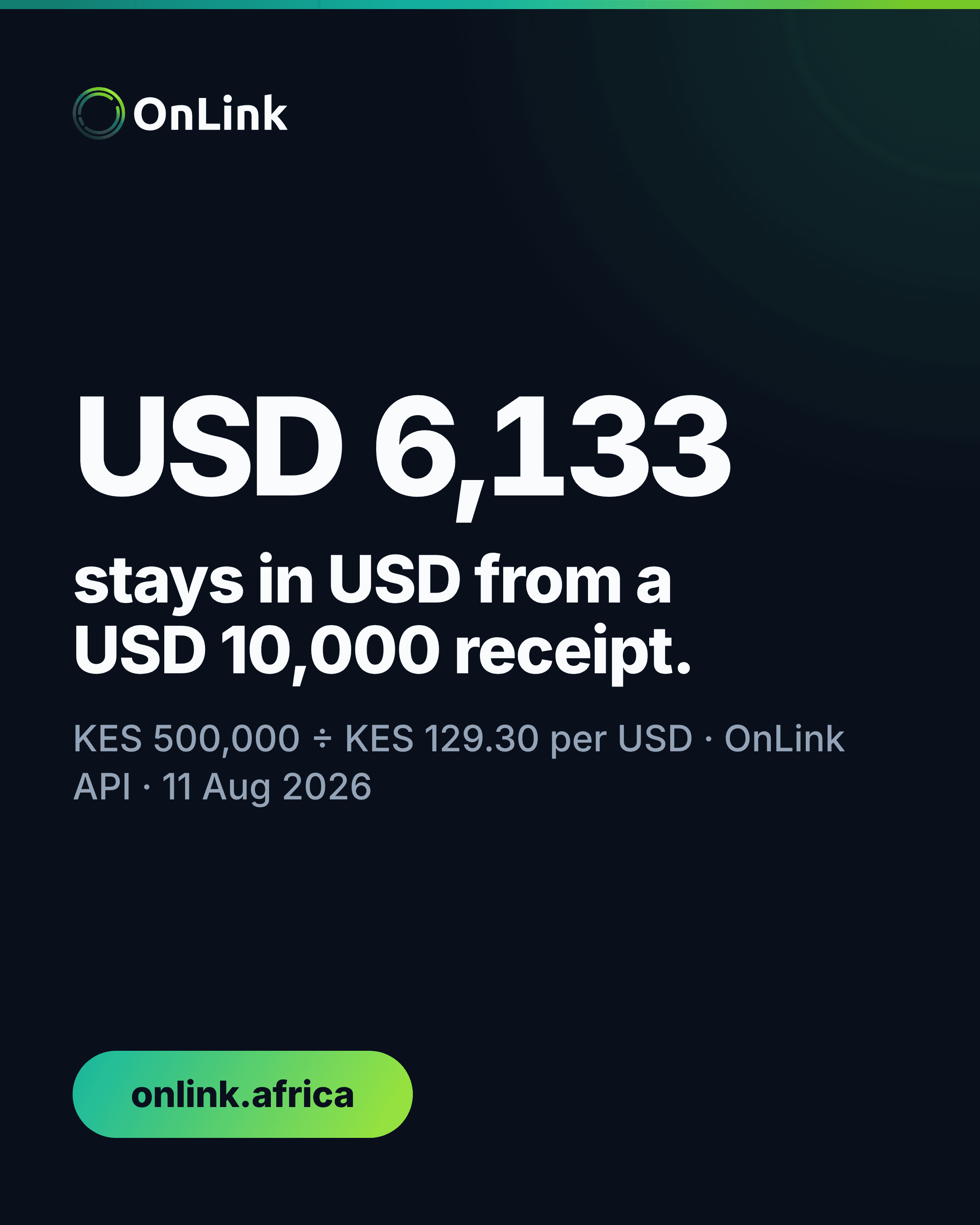
For a Kenya-based founder receiving USD 10,000 a month but spending KES 500,000 locally, that split matters. At OnLink's 11 August 2026 rate of KES 129.30 per USD, the local bill needs about USD 3,867. The remaining USD 6,133 stays in dollars until another payment requires it.
| Monthly cash-flow step | Amount |
|---|---|
| USD received | USD 10,000 |
| Converted for local costs | USD 3,866.98 |
| Local costs funded | KES 500,000 |
| Left in the USD balance | USD 6,133.02 |
The arithmetic turns an account search into an operating decision: replace the four jobs Mercury performed, then convert the amount your KES budget requires.
Mercury's current prohibited-countries list does not include Kenya. That is different from the premise many founders bring to this search, and it is worth checking before opening a replacement.
Kenya's absence from that list is not automatic approval. Mercury's separate eligibility requirements require formation and registration in the United States or a US territory, plus existing or planned US operations. If the company does not meet those requirements, move to the replacement test: it must accept the company's legal structure and the founder's Kenyan residence.
Then separate the work into four lines:
A provider that handles only the first line is not a full replacement. The finance team still needs a documented route for the other three.
OnLink lets a verified customer open a USD account, receive payments and hold a USD balance. OnLink is a financial technology company, not a bank; a CBK-licensed banking partner holds funds and processes transactions.
Before changing an invoice, compare the account name with the name on the customer contract. Record the currency, account number, bank identifier, payment reference and route supplied for that account. Do not copy old Mercury details into a new invoice as a formatting shortcut.
Move payers one at a time. Send the new instructions through the contact method already used for billing, ask the payer to confirm the beneficiary name they see, and reconcile the first receipt before moving the next payer. This creates a clean break between old and new account details without losing the trail from invoice to bank receipt.
Keep the original invoice currency in the ledger. If a USD 10,000 invoice arrives as USD 10,000, record the receipt before any conversion. The later KES conversion is a separate treasury entry, not a change to the revenue amount.
The example above uses the live USD/KES rate fetched at 06:01 UTC on 11 August 2026. Dividing the KES requirement by the USD/KES rate gives the dollars to convert:
KES 500,000 ÷ KES 129.30 per USD = USD 3,866.98
Converting all USD 10,000 would convert USD 6,133.02 more than the stated local budget needs. At the same reference rate, that is KES 792,999 of value moved into shillings before a KES bill requires it.
This is cash-flow matching, not a view on where the exchange rate goes next. Start with payroll, tax, rent and supplier amounts already approved in KES. Convert that total, then leave the rest assigned to its USD obligations.
The rate will move after the dated example. Use the USD to KES converter for current market context, and read the confirmed rate and charges in the app before approving an exchange. The USD/KES conversion-cost guide shows how to compare the final shillings received rather than a displayed rate alone.
A USD software invoice or overseas supplier payment belongs on the USD side of the cash-flow map. Converting those dollars into KES and buying dollars again for the payment adds an unnecessary second currency step.
Label each planned payment by currency and due date. The KES column produces the amount to convert this month; the USD column reserves dollars for dollar bills. For beneficiary, invoice and approval controls, use the overseas supplier payment checklist.
This split also makes month-end review concrete. The finance lead can reconcile USD received, USD paid, USD converted and KES received as four separate totals. An unexplained difference then points to one step instead of disappearing into a single blended balance.
Export the old account's statements and transaction confirmations before access ends. Match every open invoice and expected investor payment to an owner, then record whether the sender has received and confirmed the new instructions.
Use a cutover sheet with six columns: payer, invoice, amount, expected date, new details confirmed, and receipt reconciled. The sheet is finished only when each expected payment appears in the new USD account or has a named follow-up.
Do not describe the new route as active from an application screen. Wait for the USD account details, complete verification, and confirm the first incoming payment. That first reconciled receipt is the operating proof that the receive side of the replacement works.
The next step is deliberately narrow: Open USD Account, then move one payer and reconcile one receipt before changing the rest.
Co-founder, OnLink
Jamie is a co-founder of OnLink, working on cross-border payments and multicurrency banking for Kenya.
At a CNY sell rate of KES 19.42, a CNY 100,000 supplier invoice costs KES 1,942,000; each KES 0.10 rate difference changes the bill by KES 10,000.
Learn how to compare USD to KES quotes using the exchange rate, explicit fees and final KES received—not the headline rate alone.
A Kenya-focused checklist for preparing, checking and tracking an international supplier payment without losing sight of the exchange rate, payment details or supporting documents.